What Is a Passkey? Your Email's New Prompt, Explained in Plain English

⚡ Quick answer
- → A passkey replaces your password with your fingerprint, face, or PIN — nothing to remember or leak.
- → Setup takes under a minute. Your old password stays as a backup.
- → If you lose your phone, your passkeys restore automatically when you sign back into iCloud or Google.
If you've logged into Gmail, Yahoo Mail, or Outlook recently and seen a pop-up asking you to "set up a passkey," you're not alone — and the confusion is understandable. Most people see the prompt, have no idea what it's actually asking, and either ignore it or worry that ignoring it is risky. Here's the plain-English version: a passkey is not a new password you need to remember. It's the opposite — a way to stop needing a password at all.
So what actually is a passkey?
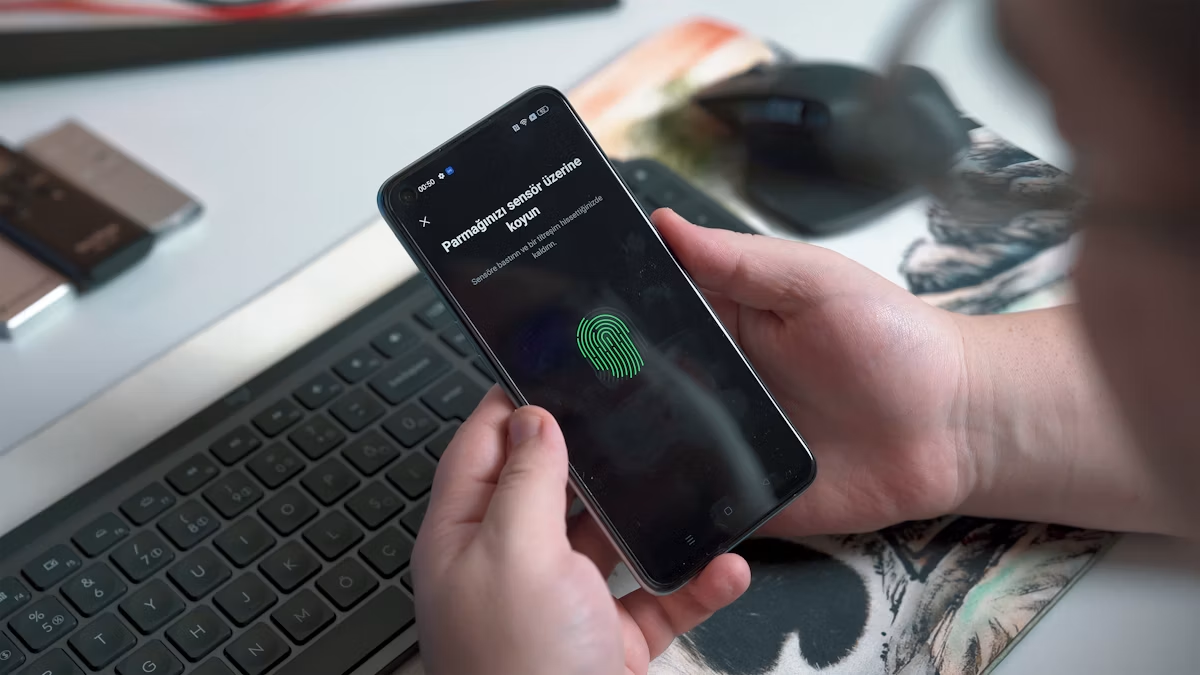
A passkey is a small piece of cryptographic data your device creates and stores securely, tied to your account and to one specific website or app. Instead of typing a password, you approve a sign-in using whatever you already use to unlock your phone or laptop — your fingerprint, face, or screen PIN. That's the entire login. No typing, no remembering, no password to leak.
The technical part you can safely skip: passkeys use public-key cryptography, which means a private key never leaves your device and a separate public key sits on the company's server. Even if a hacker broke into Gmail's servers, there would be no password to steal, because there never was one stored there. The FIDO Alliance, the industry body behind the standard, has published the spec openly — it's not a proprietary lock-in.
Why is this happening right now?
Two things are pushing this at the same time. First, passwords cause the large majority of account breaches — people reuse them, write them down, or get phished into typing them on fake login pages. Second, email providers have a direct financial incentive: every password reset, every locked account, every phishing support ticket costs them money. Removing the password removes most of that cost, while making your account harder to break into. It's one of the rare cases where the company's interest and your security point in exactly the same direction.
On that note — if you want to understand the phishing angle better, our guide on how to spot AI scam texts in 2026 covers the updated version of what to watch for.
What happens when you tap "Set up now"
The actual flow is short. Your email provider will ask you to confirm your identity (usually with your existing password, one last time), then prompt your device to create a passkey — which on most phones and laptops just means confirming with the same fingerprint or face scan you already use dozens of times a day. That's it. The passkey is created, stored securely on your device, and synced to your other devices through your phone's built-in keychain (iCloud Keychain on Apple, Google Password Manager on Android and Chrome).
Your old password usually isn't deleted immediately — most providers keep it as a fallback for a while, so you're not locked out if something goes wrong during the transition.
What if I lose my phone?
This is the real anxiety behind most people's hesitation — and it's fair. The honest answer: if your passkey is synced through iCloud Keychain or Google Password Manager, getting a new phone and signing back into that same iCloud or Google account restores your passkeys automatically, the same way your contacts and photos come back. For a more permanent loss scenario, most providers let you set up a second passkey on a backup device (a tablet, a spare phone) or generate backup codes at setup specifically for this situation.
The one thing to do before deleting any password as a fallback: make sure you have at least one backup recovery method confirmed — a backup email, a phone number, or a second passkey-enabled device. Don't skip that step.
Passkey vs password: what actually changes
- No password to type — login becomes a fingerprint or face scan.
- No password to forget — the key lives on your device, not in your head.
- No password to phish — you can't be tricked into entering it on a fake site because there's nothing to enter.
- Works faster — one biometric confirmation is quicker than typing a password + 2FA code.
- Tied to your device — if you're logging in from a brand new device for the first time, you'll need to approve it from a trusted device first.
Do you need to do this right now?
No — but there's very little reason to keep putting it off. Setting up a passkey takes under a minute, doesn't remove your password immediately, and is one of the few security upgrades that actually makes your daily login faster, not slower. The next time the prompt appears, it's worth just saying yes.
Also worth pairing with passkey setup: understanding what the iPhone usbliter8 flaw actually means for device-level security — and why physical access to your phone matters more than most people realise.
The honest bottom line
Your email provider isn't trying to confuse you — passkeys are a genuinely better system, just poorly explained in a one-line pop-up. You now know what a passkey is, what happens when you tap yes, and what to check first if you're worried about losing access. That's the whole friction point solved.
Frequently asked questions
What is a passkey?
A passkey is a cryptographic key stored securely on your device that replaces your password. You sign in using your fingerprint, face scan, or PIN — nothing to type, remember, or leak to phishing sites.
What happens if I lose my phone after setting up a passkey?
If your passkeys are synced through iCloud Keychain (Apple) or Google Password Manager (Android), they restore automatically when you sign into the same account on a new device — just like your contacts and photos do.
Does setting up a passkey delete my password?
No. Most providers keep your existing password as a fallback option after passkey setup. You won't be locked out immediately. The password is only removed if you explicitly choose to delete it.
Passkey standard details from the FIDO Alliance. Gmail passkey flow tested on Android and iOS, June 2026.
Driftnote Editorial Team
We set up passkeys on Gmail and Apple accounts across both Android and iOS before writing this guide, and tested the recovery flow on a second device.